NODALT
Download

AI beauty retouch · skin · face

AI skin retouching for video. Paint it once, it follows every frame.

Nodalt was born on fashion and beauty films. Its AI tracks the face — 478 points, on every frame, even when the head turns — so a few brush strokes are enough: blemishes and dark circles go, the skin keeps its grain, and the retouch stays glued to the face for the whole shot.

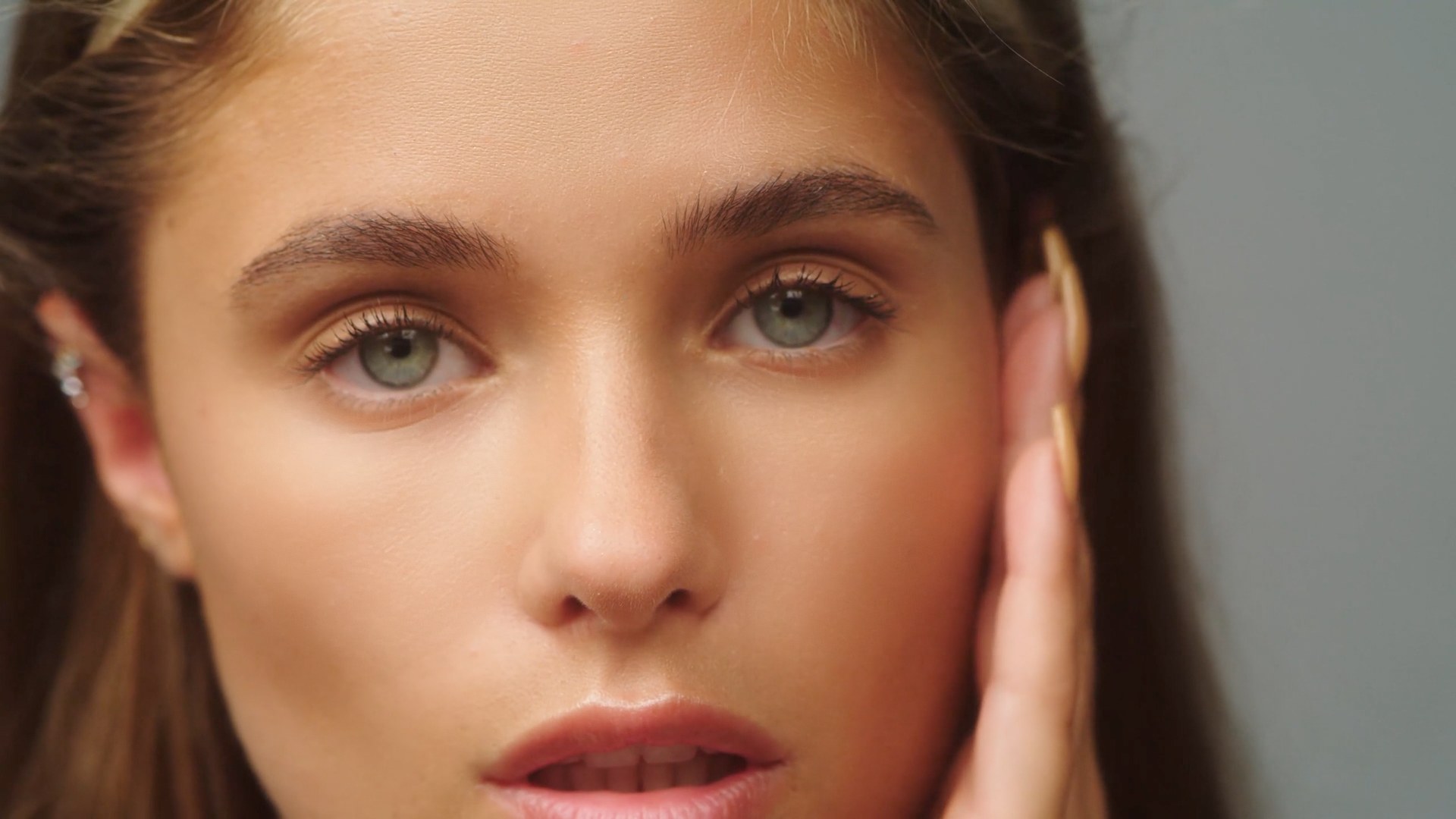
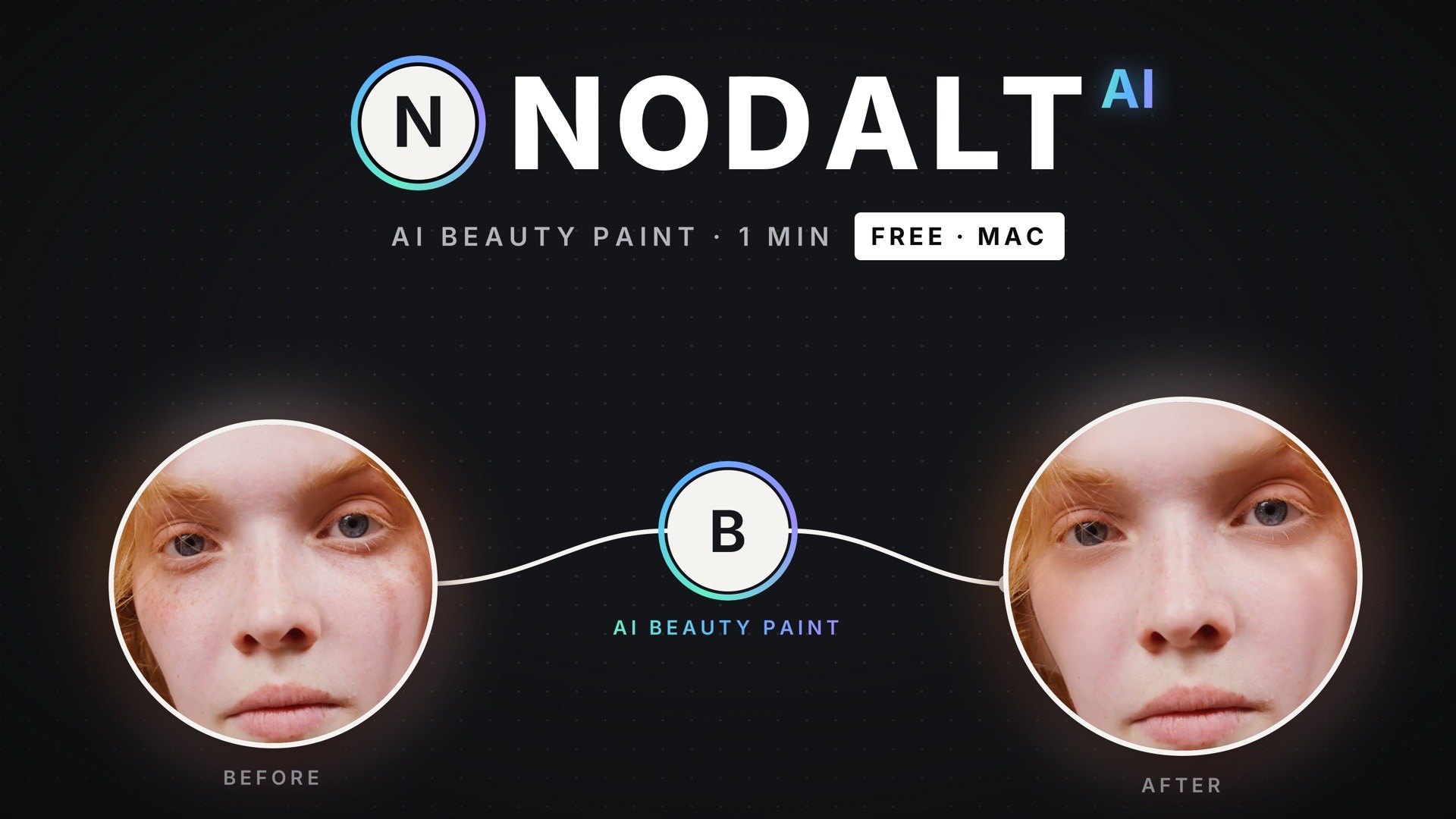
Beauty retouch in Nodalt — after
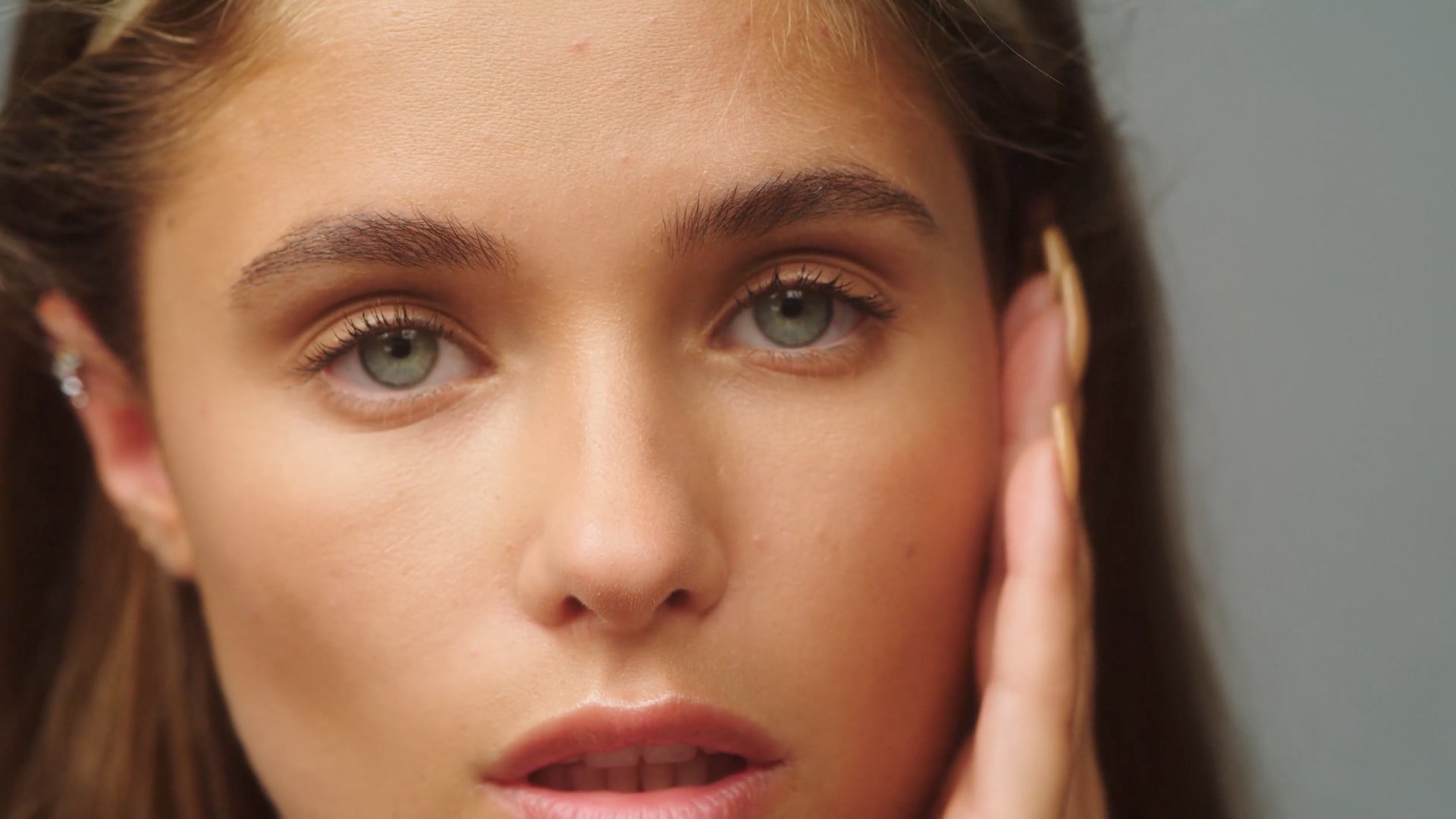
Beauty retouch in Nodalt — before
BeforeAfter

Beauty Paint: skin that keeps its texture

Add AI Beauty Paint, analyze the face, then paint where it's needed — cheeks, under the eyes, forehead. The skin evens out only where you painted, and its texture stays: no plastic look. The alpha shows your strokes, Option erases what went too far, and settings such as redness or brightening the hollows fine-tune the result. Eyes and brows are protected automatically.

Prefer zones to brushes? AI Beauty Zones retouches the parts of the face you tick, and they follow the face the same way.
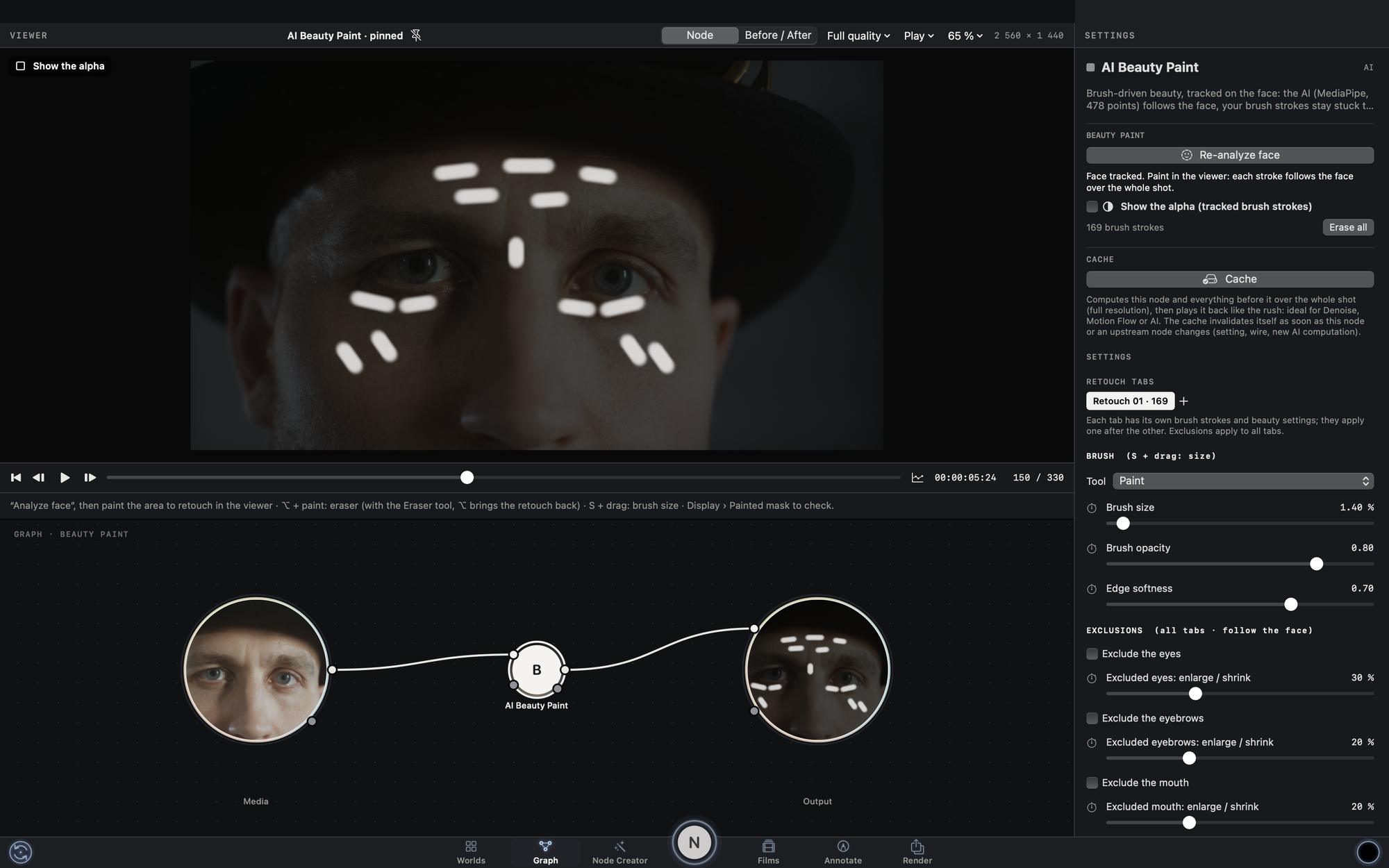
Brush strokes tracked across a face

Face Reshape: reshape the face, frame by frame

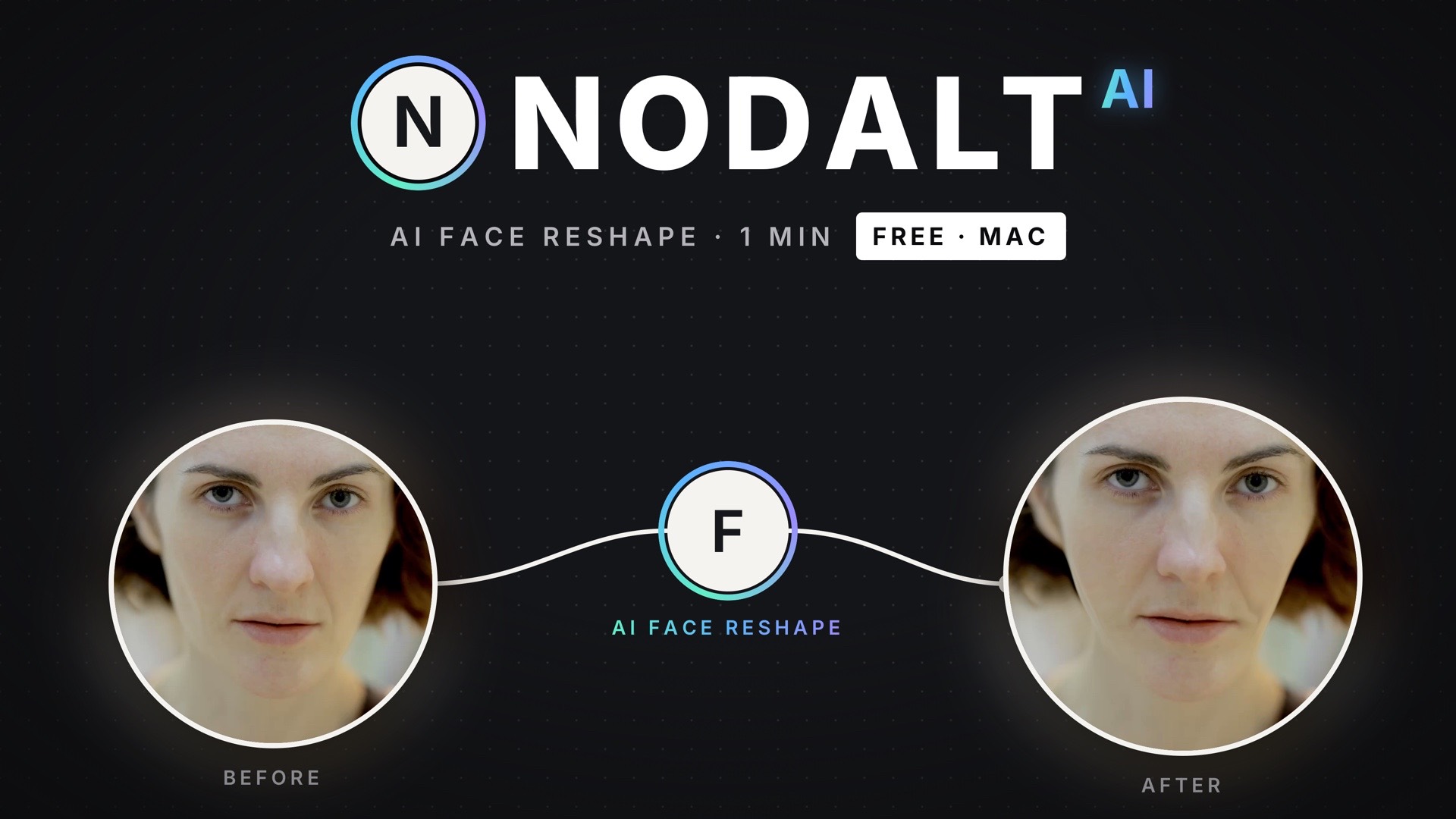
AI Face Reshape lays a 478-point mesh on the face and lets you push, refine or plump with a brush — a slimmer jawline, a finer nose — with every stroke following the face through the shot, expressions included.
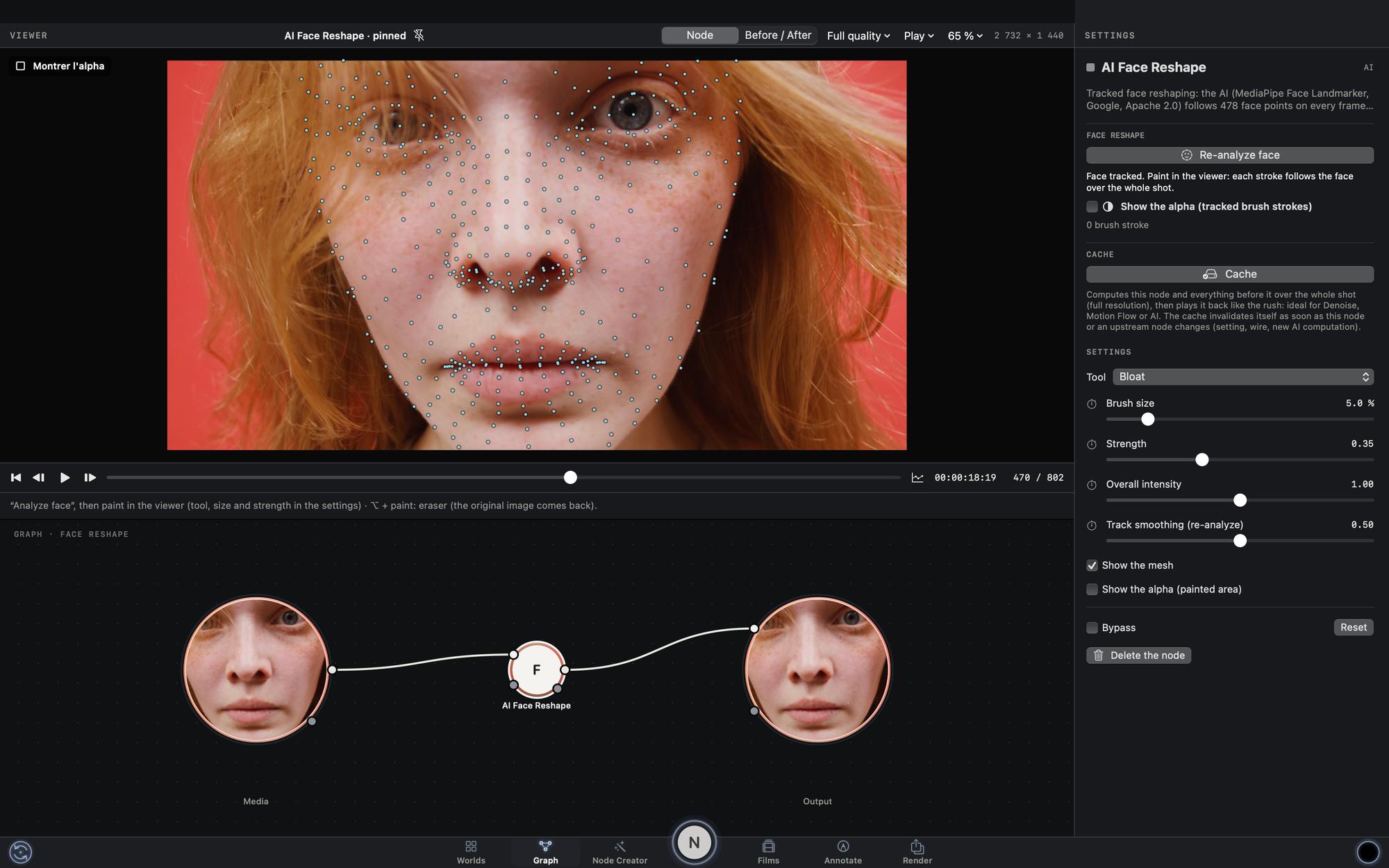
Face Reshape 478-point mesh on a face

Retouch a few frames, the AI does the rest

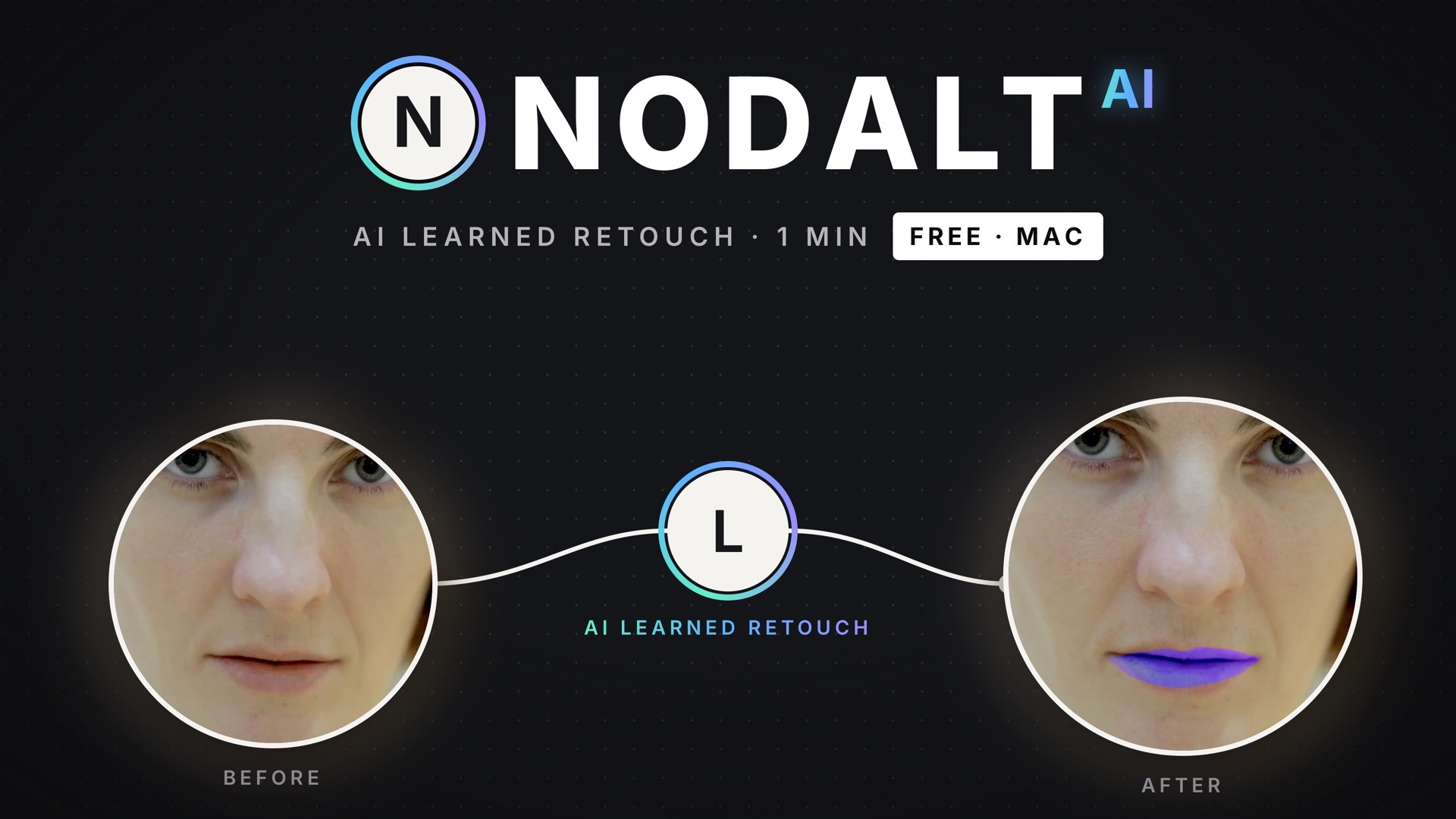
Some retouches don't fit a brush. With AI Learned Retouch, you retouch two or three frames by hand, show them to the AI, and a small network learns the change on your Mac, then redoes it on every frame of the shot — even the ones it never saw.

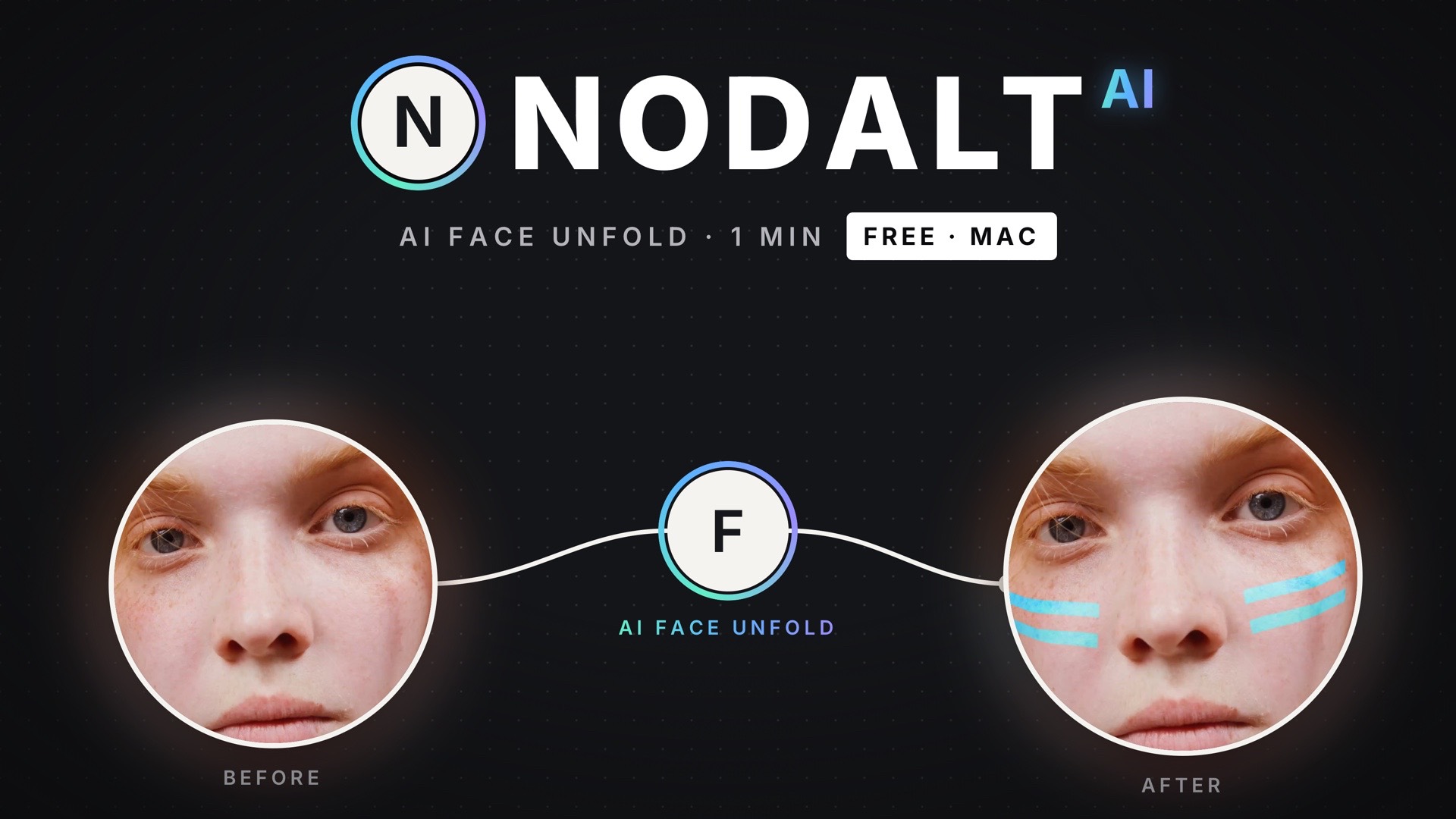
With AI Face Unfold / Refold, the skin is laid flat and perfectly still: you retouch it once, and the retouch goes back on the face at every frame.

Built for 4K commercial shots

Every tool was tested on real production shots: 4K ProRes, extreme skin close-ups, moving heads. Retouches render in your clip's own format — resolution, codec and timecode — and go straight back to the edit.
1 · Analyze

Add AI Beauty Paint or AI Face Reshape: the AI tracks the face over the whole shot.

2 · Paint

A few strokes on one frame. They follow the face everywhere else.

3 · Check

Before / after, play the shot, then render in your clip's format.

Video tutorials

AI Skin Retouch That Follows the Face on Every Frame (Paint It Once) | Nodalt AI Beauty Paint (Mac)

AI Skin Retouch That Follows the Face on Every Frame (Paint It Once) | Nodalt AI Beauty Paint (Mac)

This AI Reshapes a Face in Video With a Few Brush Strokes | Nodalt AI Face Reshape (Free Mac)

This AI Reshapes a Face in Video With a Few Brush Strokes | Nodalt AI Face Reshape (Free Mac)

Retouch 3 Frames, This AI Learns It and Does the Whole Shot | Nodalt AI Learned Retouch (Free Mac)

Retouch 3 Frames, This AI Learns It and Does the Whole Shot | Nodalt AI Learned Retouch (Free Mac)

This AI Lays a Face Flat: Retouch Once, It Follows Every Frame | Nodalt AI Face Unfold (Free Mac)

This AI Lays a Face Flat: Retouch Once, It Follows Every Frame | Nodalt AI Face Unfold (Free Mac)

Plays from YouTube (youtube-nocookie.com): nothing loads before you click.

Questions

Can AI retouch skin in a video?

Yes. In Nodalt, the AI tracks the face on every frame: you paint the retouch once with AI Beauty Paint (or tick zones with AI Beauty Zones) and it applies to the whole shot, keeping the skin's grain.

Is Nodalt's beauty retouching free?

Yes, during the beta. The retouching tools run locally on Apple silicon Macs, with no upload.

Can it reshape a face, not just smooth it?

Yes: AI Face Reshape pushes, refines or plumps with a brush — jawline, nose, cheeks — and every stroke follows the face through the shot.

Does it work on 4K ProRes?

Yes. Nodalt is built for 4K commercial shots and renders in your clip's format, ProRes included.

Open beta

Nodalt, free on your Mac.

Apple silicon Mac (M1 or later) · macOS 14 or later · 13 MB .dmg file · activation with a code sent by email