Point it out: a word or a shape
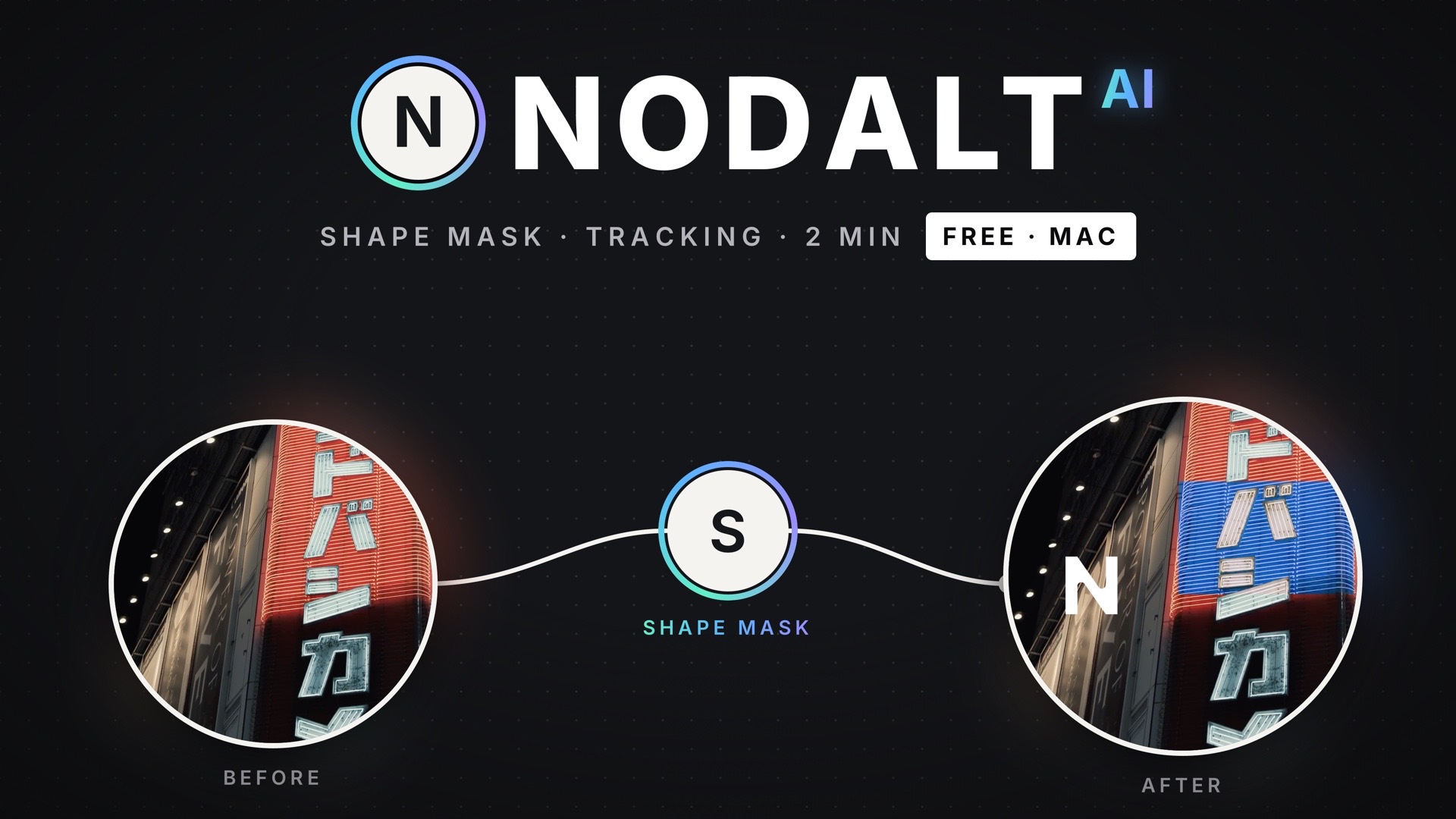
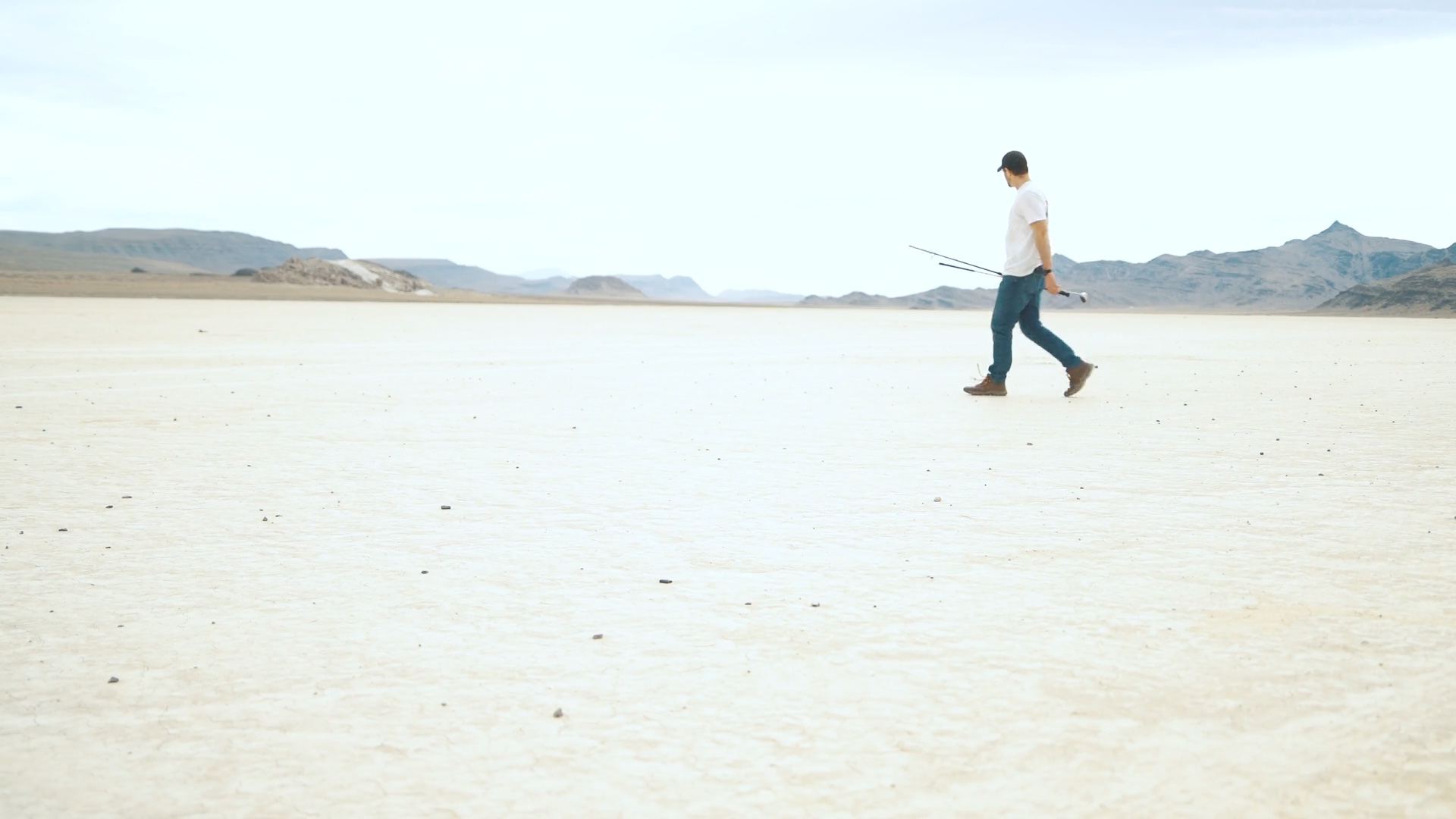
Type “person” in AI Object and click Find: Nodalt finds the walker and his pole and cuts them out. For anything else, draw a Shape Mask around it and track it over the shot. If someone stands right next to what you erase, an AI Body Matte protects them, so their hair is never touched.
Rebuild it: no prompt to write
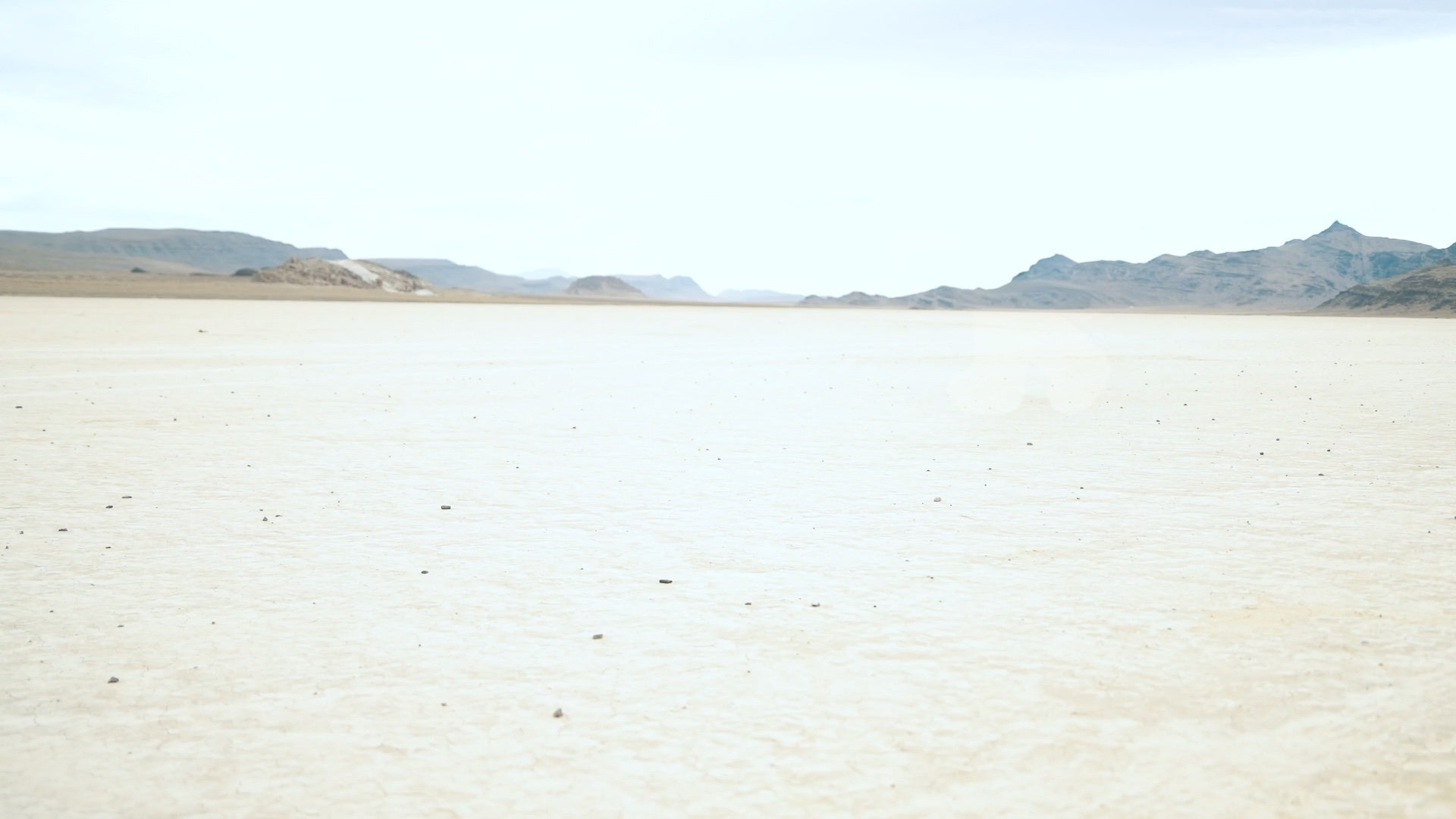
Connect the mask to an AI Fill and click Generate: it offers three versions of the background, you click the one you like. Nothing to describe — the AI reads the image around the hole. Fast mode answers in about two seconds; the sharpest mode takes about half a minute.
Carry it through the shot
One clean frame is not a clean shot. AI Motion Flow analyzes the movement and carries your patch over every frame, even when the camera moves or the surface bends.
Put the grain back
A patch that is too clean looks frozen. Start the tree with AI Denoise, so the AI and the tracking work on a clean image, then end it with Renoise, which puts the shot's own grain back, and Plate Grain, which measures the clip's grain — shadows, midtones, highlights, color — and lays matching grain on the patch. Even at 200%, nothing stands out.