Nodes or layers?
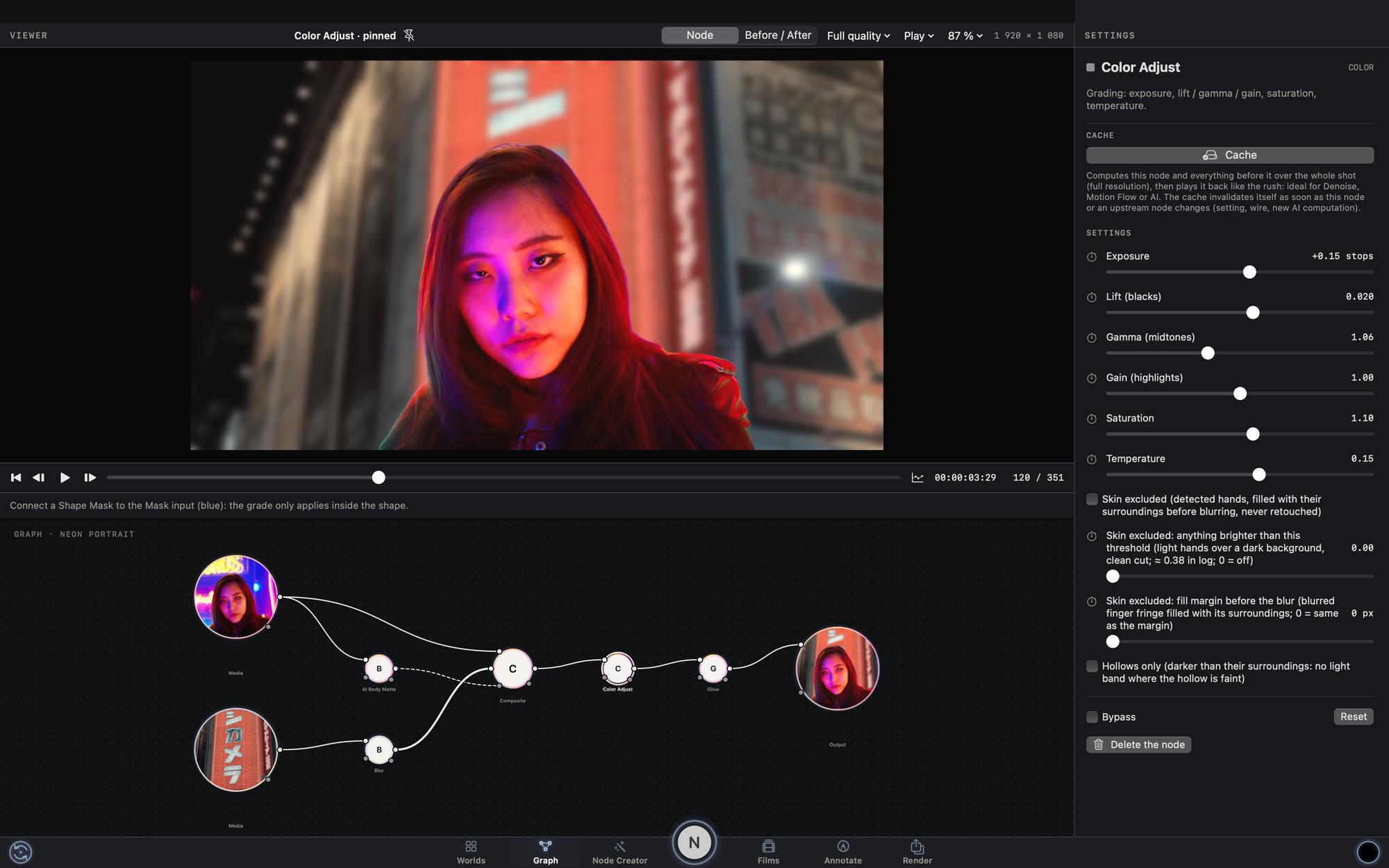
Layer-based tools stack images on top of each other: quick for motion design, but hard to read once a shot needs dozens of steps. Nodes keep every step separate: you see where each mask goes, you split the same image into two treatments and merge them back, with no nested compositions. For long, demanding shots — keying, rotoscoping, cleanup, beauty retouch — nodes stay readable.
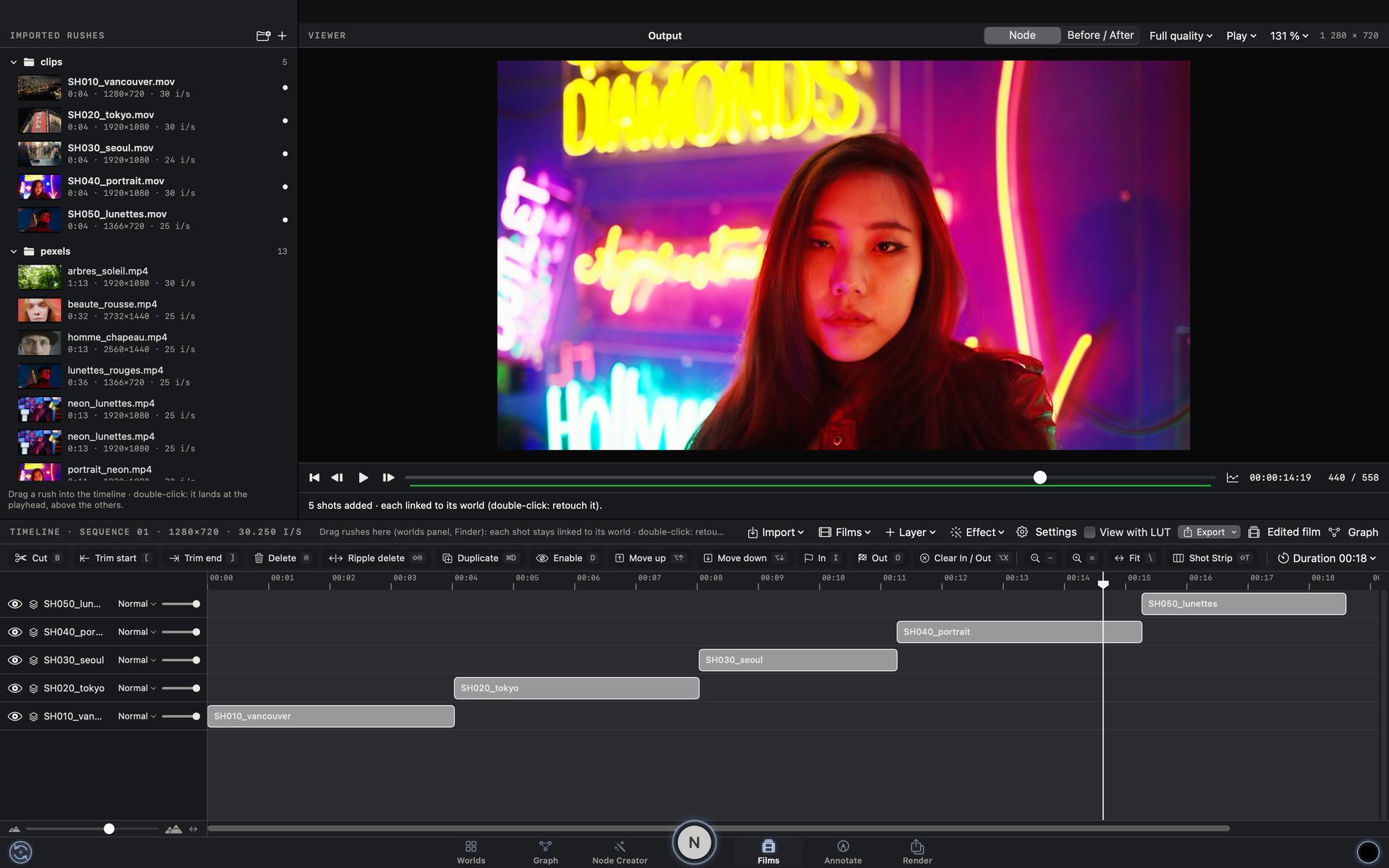
Nodalt has both: a node graph for each shot, and a layer timeline to put the film together.
Inputs that mean something
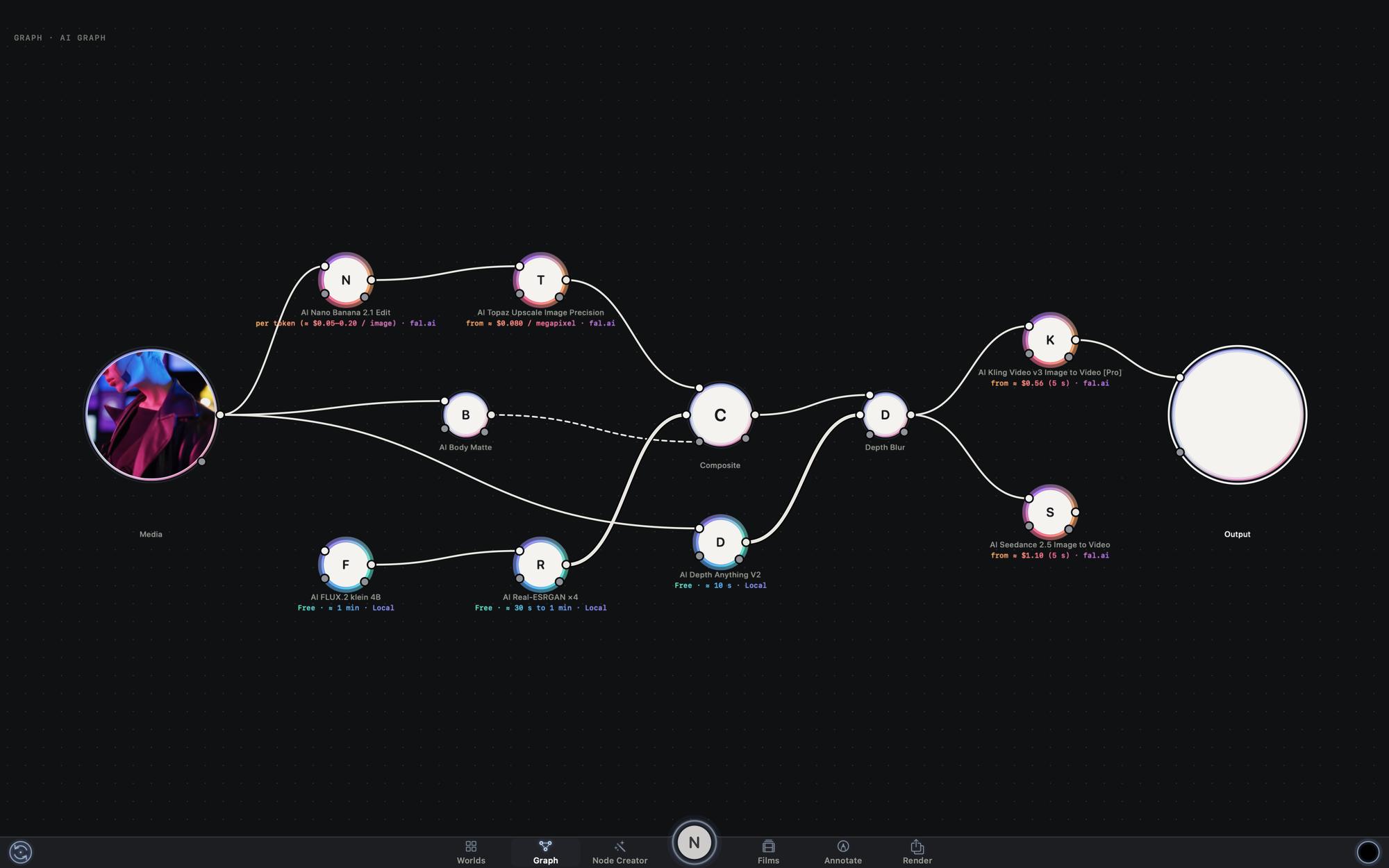
Every Nodalt node has a Source input (the image it processes), a Background input (for a Composite, for instance) and a blue Mask input that limits the effect to an area — a Shape Mask, an AI cutout or a keyer plugs straight in. A node's Alpha output provides its matte. Read the graph left to right and you know exactly what happens to the image.
Fast, like a high-end compositor
Tab opens a search to add any node, already connected. F1 to F4 switch the viewer between the inputs, the matte and the result, a pinned view keeps an eye on the output, and the cache keeps computations so playback stays smooth. Nodalt is native to the Mac and runs on Metal, Apple's graphics engine: a big graph pans and zooms at 60 frames per second.
AI tools are nodes too
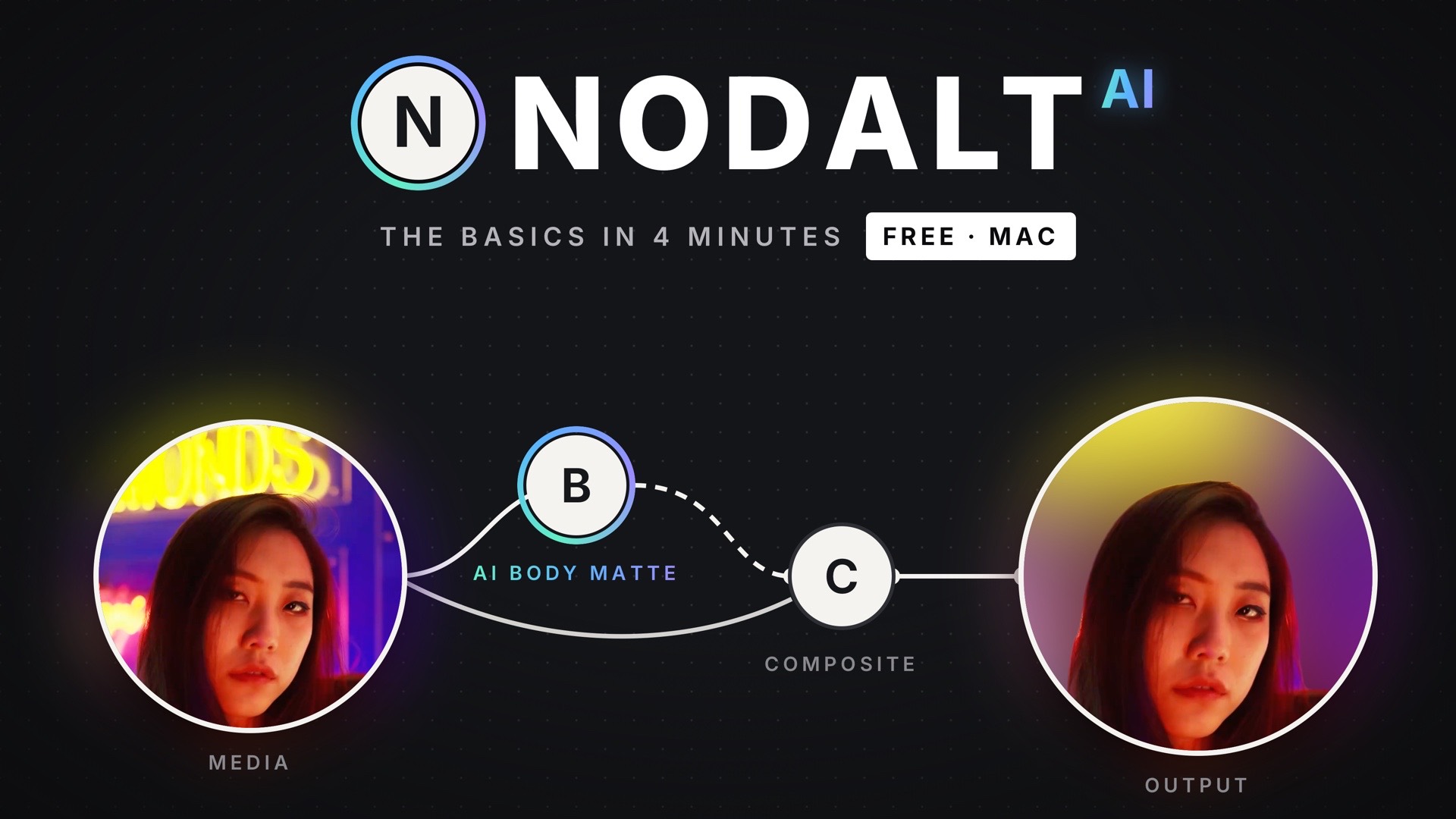
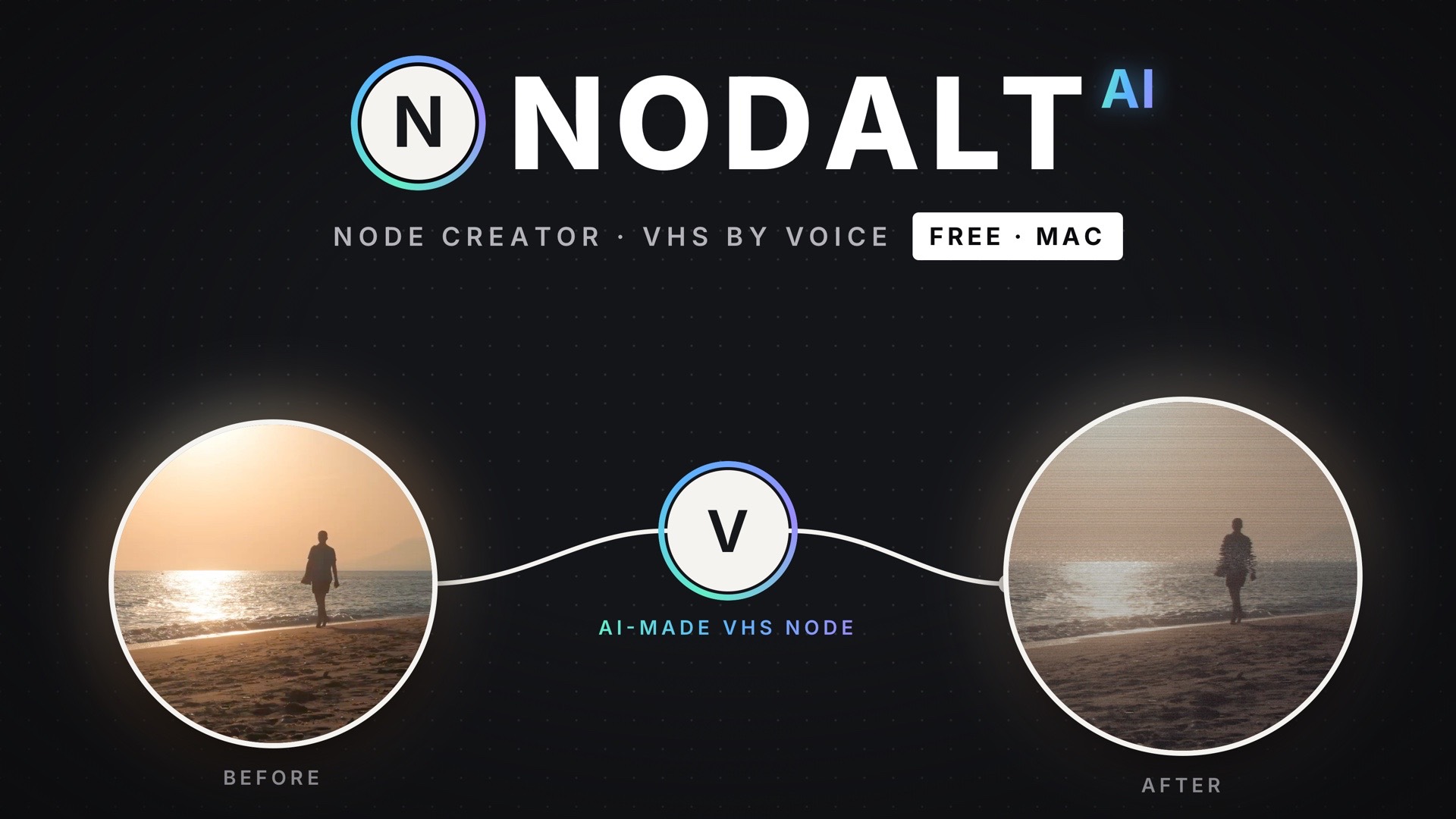
AI Body Matte, AI Fill, AI Denoise, AI Beauty Paint… every AI tool in Nodalt is a node like the others, with settings you stay in control of: type “ai” after Tab to list them all. Local models are free and run on your Mac; optional online models show their cost before every render. With the Node Creator, you can even describe a new effect in one sentence, and AI writes the node for you.
From one shot to a whole film
Each clip becomes a world, with its own graph and versions. Import an edited film: Nodalt detects the cuts, puts every shot in its own world and keeps the film in order on a timeline. Apply one shot's effects to the next ones, send everything to the Render page, and the film comes out in one piece.