
NODALT
Download

AI rotoscoping · keying · green screen

AI rotoscoping and keying, free on your Mac.

Rotoscoping used to mean hours of shapes, frame after frame. In Nodalt, AI cuts out a person — hair included — on every frame of the shot, keys a green screen without losing a braid, and follows any object you click. Everything runs locally on your Mac, and every matte stays a node you can refine.

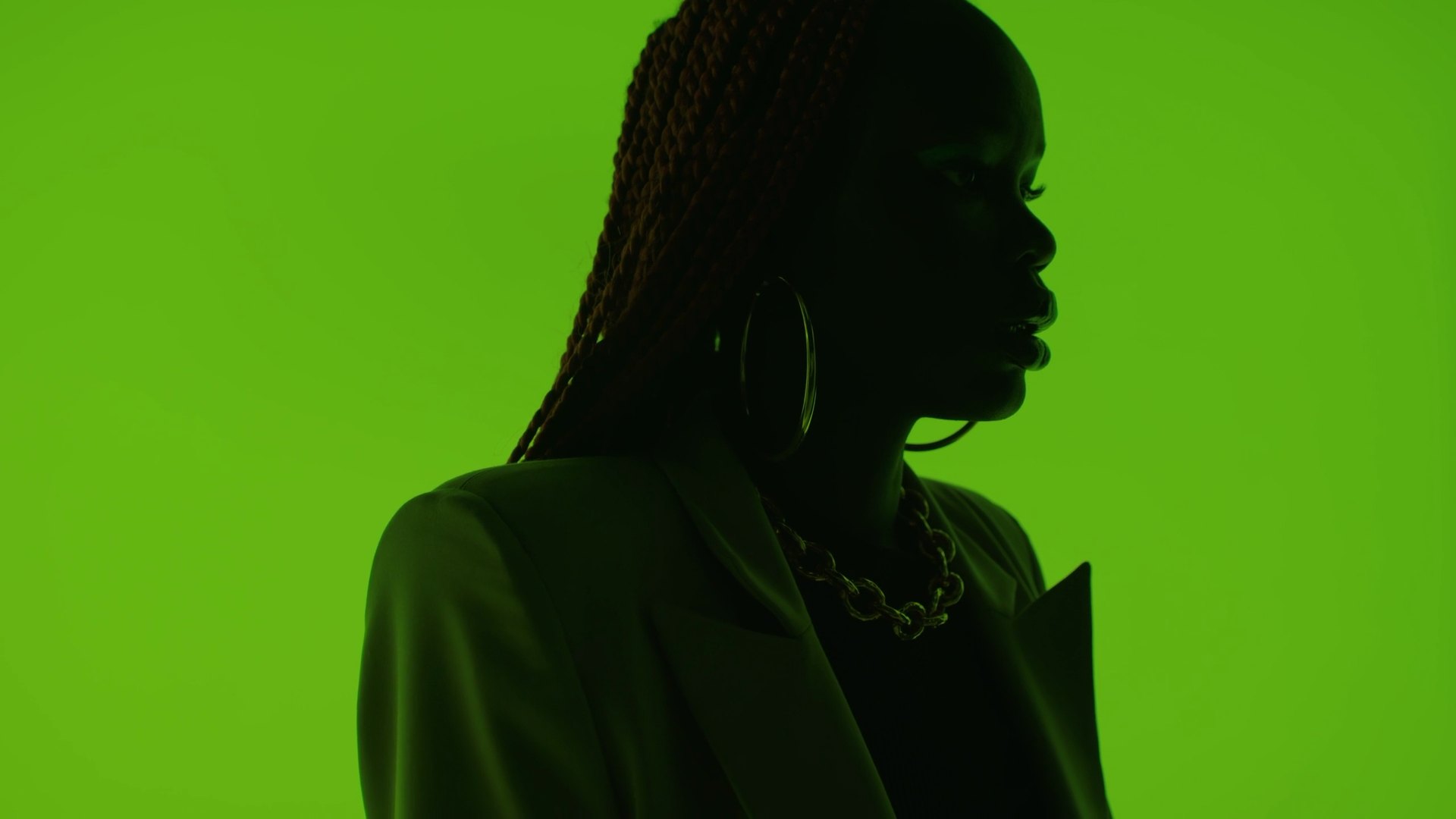
Green-screen key and composite — after
Green-screen key and composite — before
BeforeAfter

A person cut out with no clicks

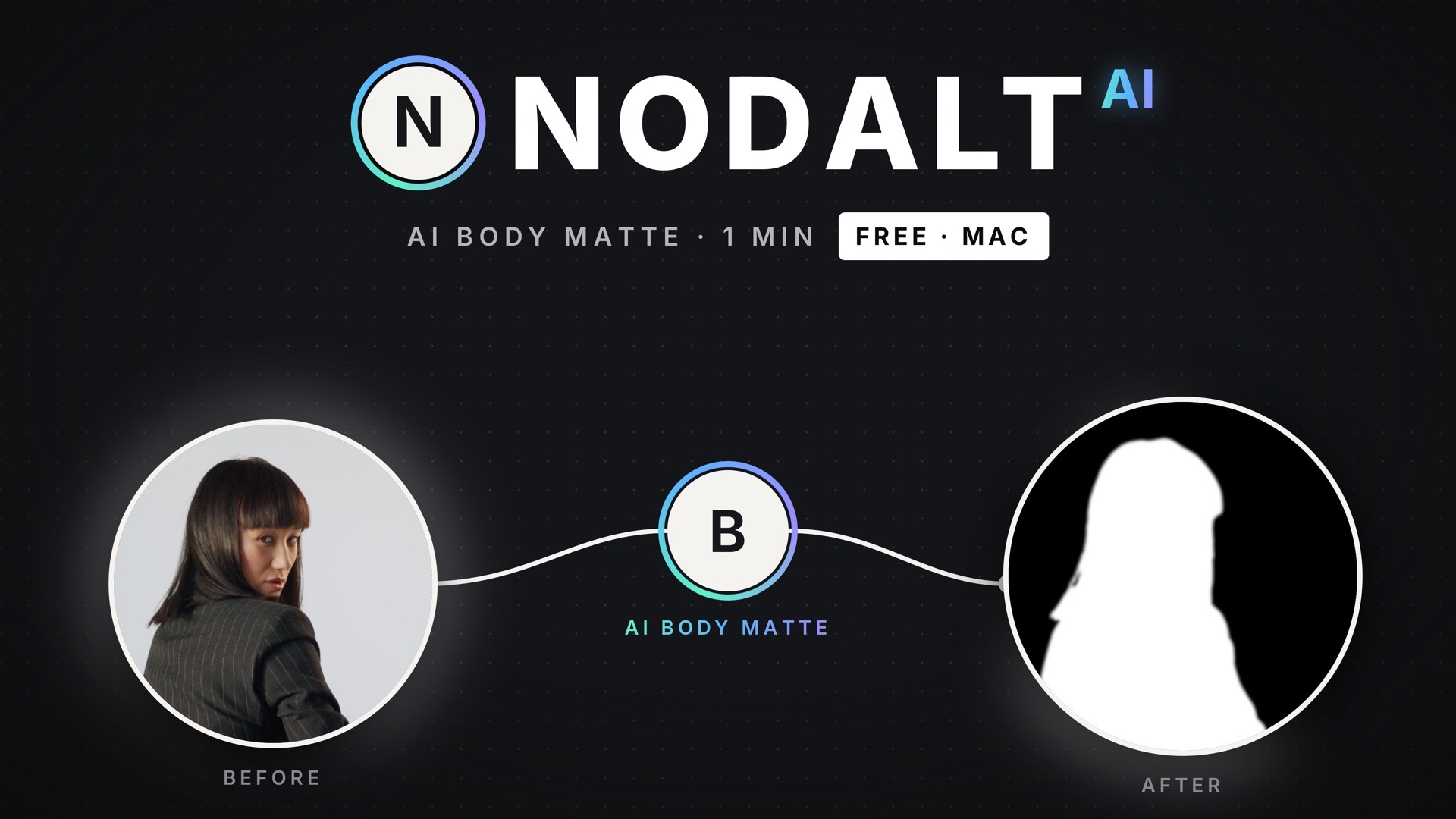
Add an AI Body Matte after your clip: it finds the main subject and builds a clean alpha matte, frame by frame, hair included. Three settings refine the edge — Soft edge, Offset the edge and Anti-flicker — then the matte plugs into the Mask input of any effect: blur the background, grade the person alone, or place them on another shot with a Composite.

Green screen: every strand of hair

Click the screen with the eyedropper of the Green Screen Keyer: the green spill goes, the edges stay. On fine hair, the AI Hair Keyer adds AI where classic keying breaks down, and the Body Matte fills any hole in the body. Combined in a Composite, they put the silhouette on a new background, with no green fringe.
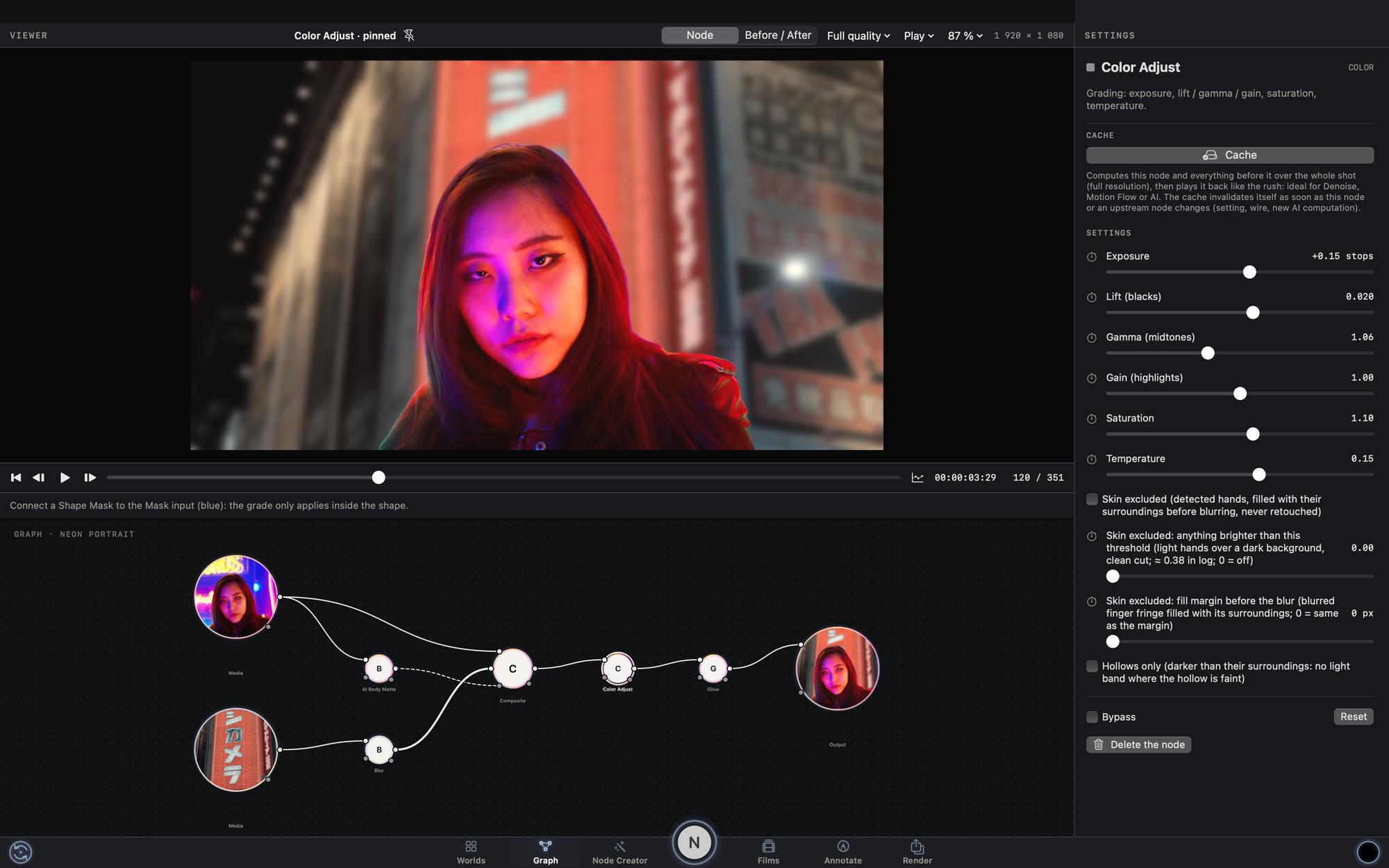
A compositing graph in Nodalt

Any object: one click, or just its name

With AI Click Mask, click the subject in the viewer, then “Propagate over the video”: the mask follows it through the shot. With AI Object, type what you are looking for — “car”, “street lamp”, “person” — then Find. For hair that needs more care, AI Hair Matte isolates the fine strands.

Roto shapes that track themselves

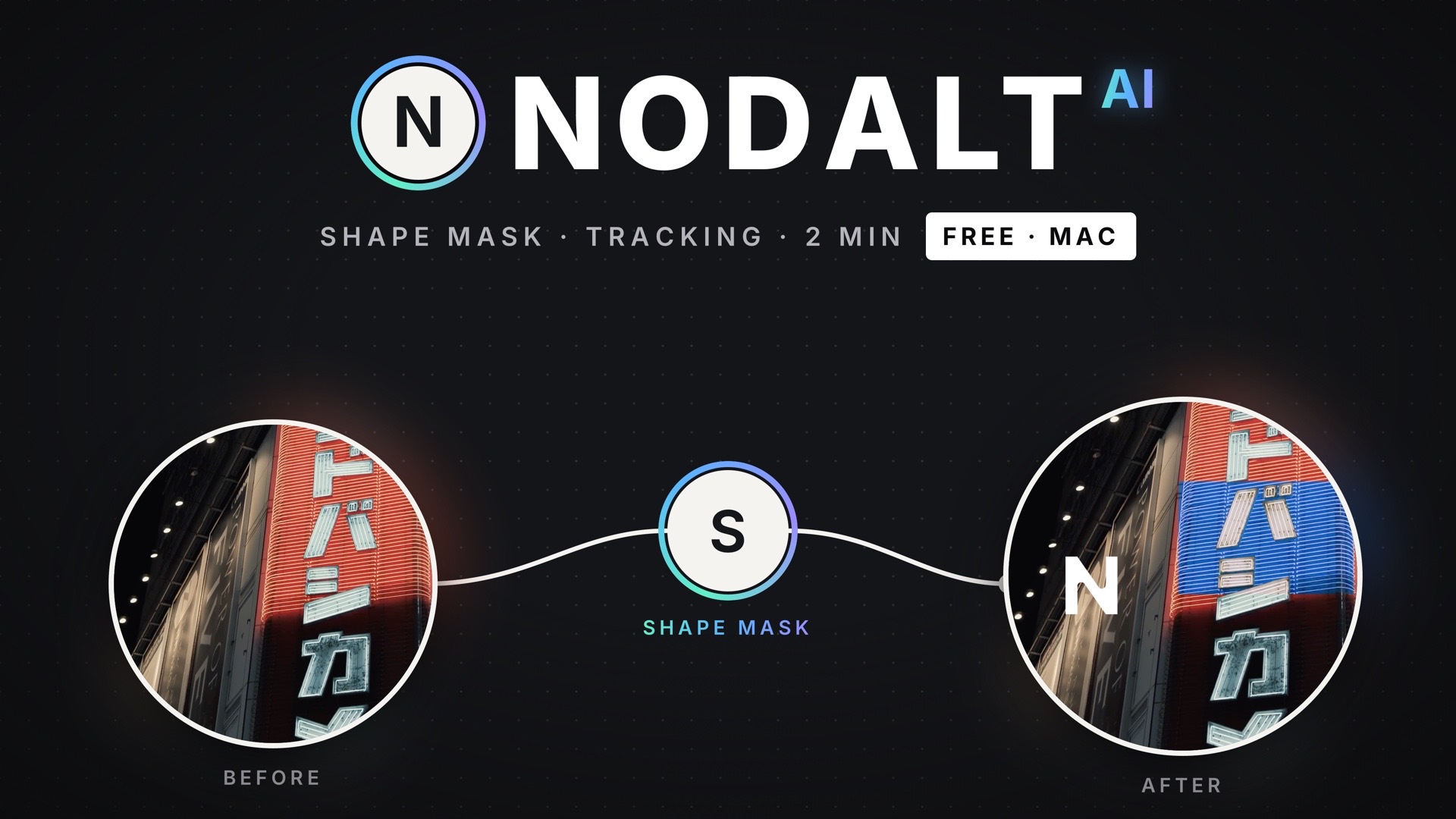
Sometimes you need a hand-drawn shape. Draw it with the Shape Mask (Bézier or ellipse), then track it over the shot: Fast, Planar for a flat surface, or Precise, which tracks with AI, even a face that turns. The track can drive a Transform, so a logo or a patch sticks to a moving surface.

Mattes that hold up in a real comp

Every cutout is a node in the graph: soften it, grow or shrink it with the Matte Shaper, invert it, combine it with other masks, or render the alpha on its own and bring it back as a clip. AI results stay cached, so once the shot is computed, playback is smooth. And nothing is uploaded: the models run on your Mac's chip.
1 · Import

Drop your clip: it becomes a world, with its own node graph.

2 · Cut out

Tab, then “ai”: AI Body Matte, AI Hair Keyer, AI Click Mask or AI Object.

3 · Composite

Plug the matte into a Mask input or a Composite, then render in your clip's own format.

Video tutorials

This AI Cuts Out a Person in Video, Hair Included, With No Clicks | Nodalt AI Body Matte (Free Mac)

This AI Cuts Out a Person in Video, Hair Included, With No Clicks | Nodalt AI Body Matte (Free Mac)

Track Anything in Seconds, Even a Turning Face, With AI | Nodalt Shape Mask (Free Mac)

Track Anything in Seconds, Even a Turning Face, With AI | Nodalt Shape Mask (Free Mac)

Plays from YouTube (youtube-nocookie.com): nothing loads before you click.

Questions

Is there a free AI rotoscoping tool for Mac?

Yes: Nodalt is free during its beta, and its AI cutout tools — AI Body Matte, AI Hair Matte, AI Click Mask, AI Object, AI Hair Keyer — run locally on Apple silicon Macs, at no cost and with no upload.

Can AI rotoscope hair?

Yes. AI Body Matte keeps the hair with the person, AI Hair Matte isolates fine strands, and on green screen the AI Hair Keyer is made for braids and flyaway hair.

Can I export the matte?

Yes: render the alpha (ProRes 4444, 16-bit TIFF or PNG sequence) and bring it back as a Media, or keep it live in the graph.

Do my shots leave my Mac?

No. The cutout models run on your Mac. Nodalt's online models are optional, show their cost and destination before every render, and Confidential mode switches them off.

Open beta

Nodalt, free on your Mac.

Apple silicon Mac (M1 or later) · macOS 14 or later · 13 MB .dmg file · activation with a code sent by email